


Introduction
Equalization is one of those tools you end up using on almost every track in a mix. Sometimes it's surgical, cutting out mud, taming harshness, or making space for a vocal. Other times it's more about tone, shaping the character of a guitar, a drum bus, or a synth so it actually sits where it belongs.
For a long time, the assumption was that you needed expensive plugins to get truly great EQ. These days, that’s just not true. A handful of developers have released seriously capable free EQ plugins, tools that are stable, great‑sounding, and flexible enough to earn a spot in real-world mixing sessions.
The plugins in this guide aren’t here just because they’re free. They’re here because they’re actually useful. Some are clean, precise parametric EQs. Others lean into analog-style tone shaping. A few even push into territory you’d normally expect from paid tools.
If you're building your plugin toolkit, or just want a few new EQ options to experiment with, these are some of the best free EQ plugins available right now for mixing, mastering, and general music production.
💡 Some of our pages contain affiliate links. If you purchase through them, Sonic Odyssey may earn a commission at no extra cost to you. It helps support the site and keeps these updates running.
Take a look at our Best EQ Plugin Deals guide to see which premium EQ plugins are currently discounted.
What Makes a Good Free EQ Plugin?
Not all free plugins are created equal. Some are genuinely excellent tools that can hold their own in a professional mix. Others are more like proof-of-concept projects that are fun to try but not something you'd want to rely on in a real session.
When choosing a free EQ plugin, there are a few things that matter more than anything else.
Sound Quality
The first question is simple: does it sound good? A great EQ should let you make meaningful adjustments without introducing harshness, phase issues, or strange artifacts. Some EQs aim for transparency while others intentionally add character, but in either case the result should feel musical and predictable.
Workflow
A good EQ should make it easy to work quickly. Clear controls, sensible band layouts, and responsive visual feedback make a big difference when you're moving fast during a mix.
Feature Set
Free plugins don't always have the same feature depth as premium tools, but many still offer powerful capabilities like multiple parametric bands, dynamic EQ behavior, mid/side processing, or analog-style tone shaping.
CPU Efficiency
EQ tends to appear on a lot of tracks. Even in modern systems, it's helpful when a plugin stays lightweight so you can run it across large sessions without worrying about performance.
The plugins below were chosen because they check most or all of these boxes. They're stable, useful, and capable of producing professional results.
The Best Free EQ Plugins
TDR Nova
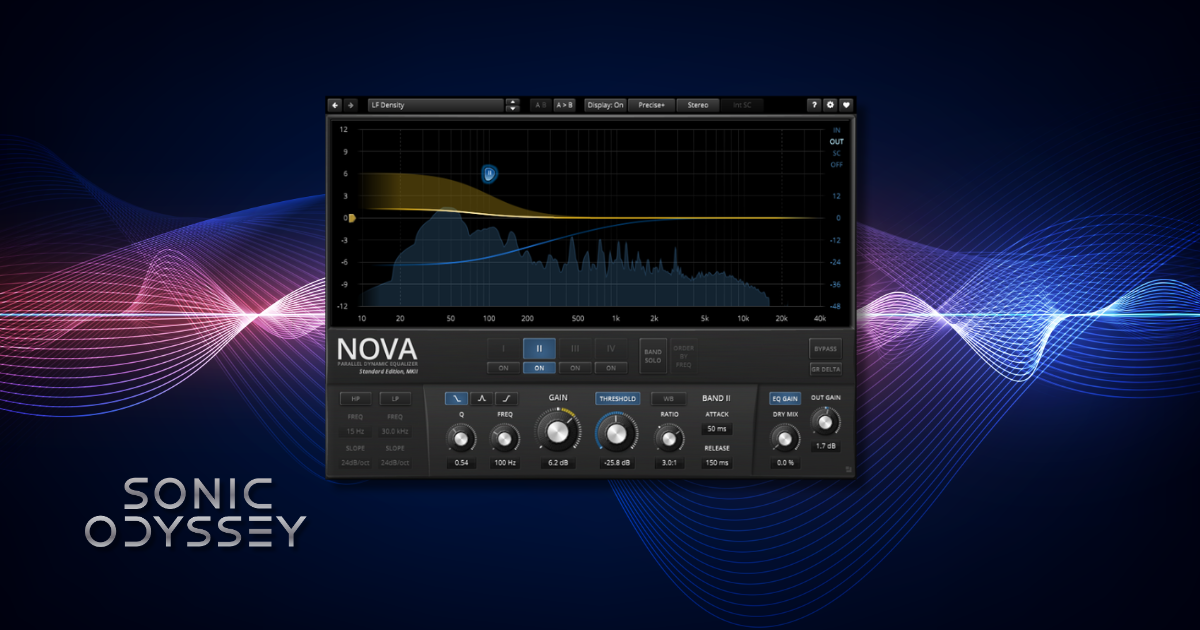
If you only download one EQ from this list, make it TDR Nova. Tokyo Dawn Labs built Nova as a dynamic EQ, but it also works beautifully as a standard parametric EQ. In practice, it ends up being one of the most versatile free plugins available.
Nova combines precise parametric bands with dynamic processing, which means individual EQ bands can respond to the signal level instead of staying static. This makes it incredibly useful for tasks like taming harsh vocals, controlling resonances in guitars, or tightening up low end without permanently carving holes in the sound.
Despite being free, Nova feels closer to a professional mixing tool than a "starter" plugin. The interface is clean, the filters sound excellent, and the feature set is surprisingly deep. Many engineers keep it installed even after building large collections of paid plugins.
Key Features
- Dynamic EQ functionality on each band
- Highly transparent parametric EQ filters
- Flexible routing and detailed control options
Best For
- Vocal control and de-essing style tasks
- Resonance reduction on guitars and synths
- Surgical EQ work in complex mixes
TDR VOS SlickEQ
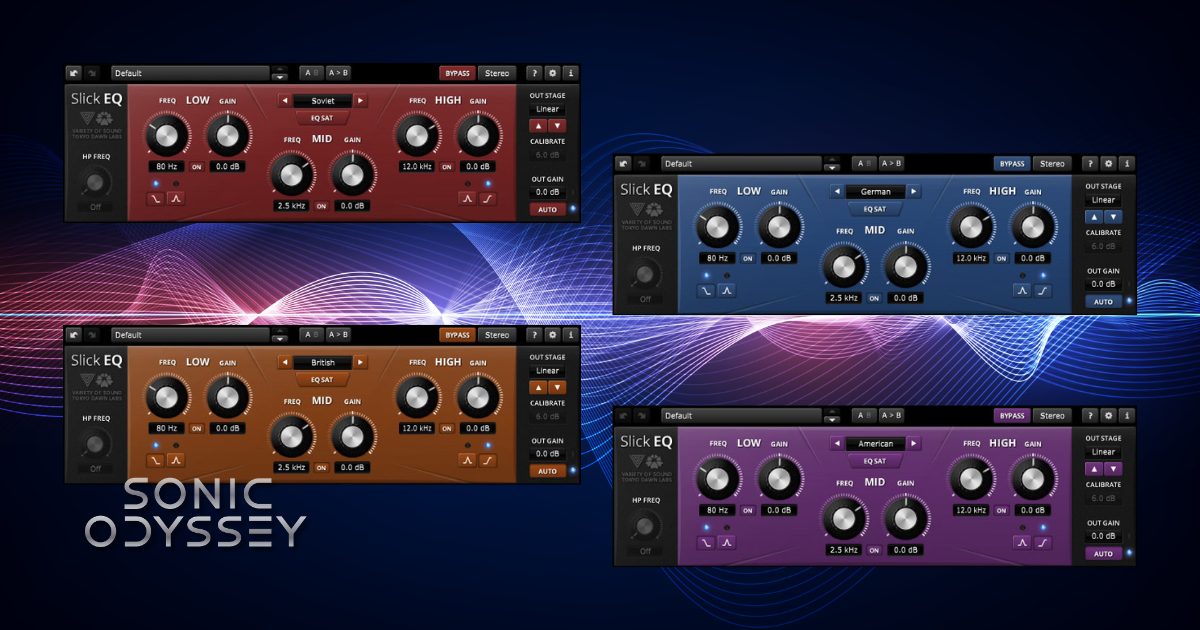
While TDR Nova leans toward precision and dynamic control, TDR VOS SlickEQ is all about tone. Developed by Tokyo Dawn Labs in collaboration with the legendary Variety of Sound developer, SlickEQ focuses on musical shaping rather than surgical correction.
Instead of giving you a large number of parametric bands, SlickEQ uses a simpler layout inspired by classic analog EQ designs. The result is an EQ that encourages broad, musical moves rather than microscopic adjustments. It’s especially useful when you want to add a little polish, brightness, or low‑end weight without overthinking the process.
SlickEQ also includes several different output stage models that subtly change the character of the signal. These aren’t extreme effects, but they add just enough color to make the plugin feel a bit more like analog hardware than a purely digital EQ.
Key Features
- Analog‑inspired EQ curves designed for musical tone shaping
- Multiple output stage models that add subtle color
- Simple, fast workflow that encourages broad tonal moves
Best For
- Adding polish to mix buses or subgroups
- Shaping tone on guitars, keys, and drums
- Quick tonal adjustments during mixing
DDMF IIEQ
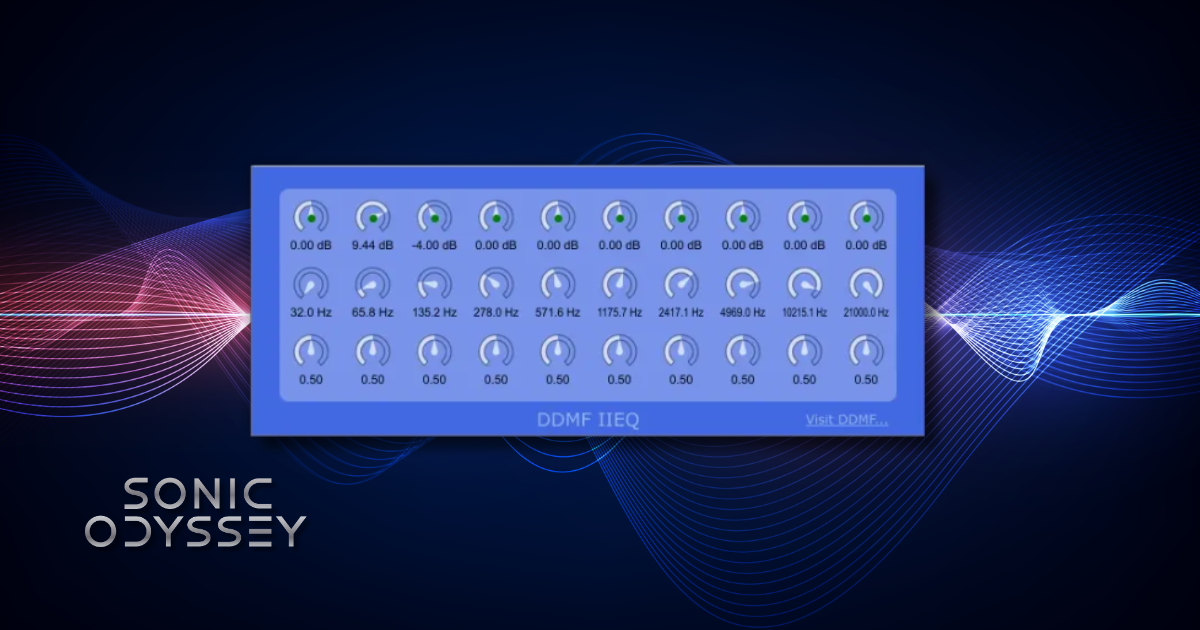
DDMF IIEQ is a straightforward digital EQ that focuses on precision and efficiency. It doesn’t try to emulate analog gear or add coloration. Instead, it gives you a clean, predictable parametric EQ that’s easy to drop into a mix when you need to make quick adjustments.
The interface is simple and functional, with clearly labeled bands and controls. That simplicity is part of the appeal. IIEQ is the kind of plugin you can load on a track and immediately start shaping frequencies without digging through menus or complex routing options.
It’s also extremely lightweight, which makes it useful when you need multiple EQ instances across a large session. If you want a clean digital EQ that just gets the job done, IIEQ is a solid option.
Key Features
- Clean, transparent parametric EQ design
- Simple and fast interface
- Very low CPU usage
Best For
- Basic corrective EQ on individual tracks
- Large sessions where CPU efficiency matters
- Engineers who prefer simple, no‑nonsense tools
DDMF ColourEQ
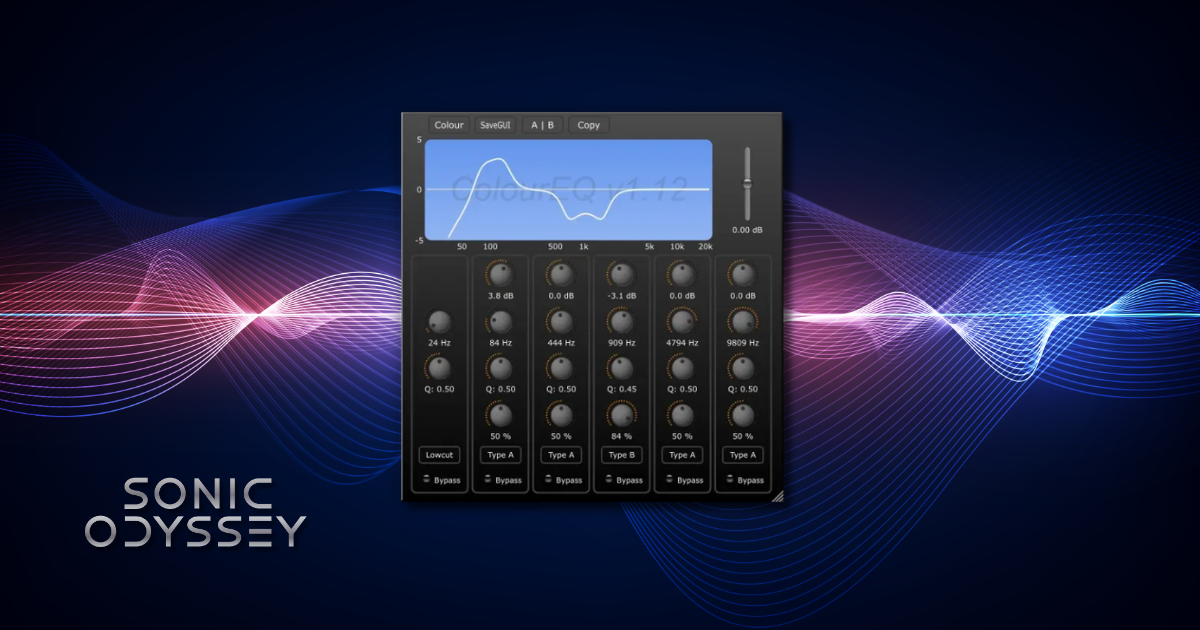
While IIEQ focuses on clean digital precision, DDMF ColourEQ goes in the opposite direction. This plugin is designed to add character rather than transparency, giving you EQ curves that deliberately shape the tone in a more musical and colorful way.
ColourEQ includes several different EQ models inspired by classic hardware designs. Each model has its own personality, which makes the plugin fun to experiment with when you're looking to add weight, warmth, or presence to a track. Instead of making surgical corrections, ColourEQ works best when you make broader tonal adjustments.
Because the controls are straightforward and the curves are designed to sound musical, it’s easy to dial in results quickly. It’s the kind of plugin that works well when you want to shape the tone of a source rather than fix a technical problem.
Key Features
- Multiple EQ models with different tonal characters
- Analog‑inspired curves for musical shaping
- Simple controls that encourage fast workflow
Best For
- Adding tone to guitars, bass, and synths
- Broad musical EQ moves
- Engineers who prefer character over surgical precision
MeldaProduction MEqualizer
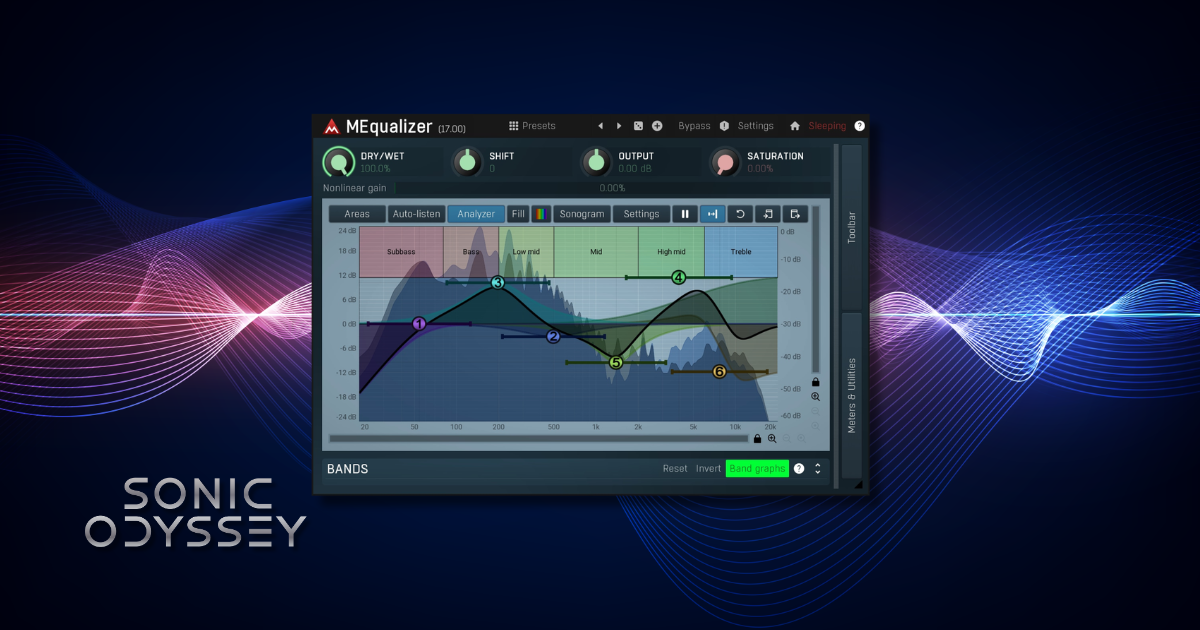
MEqualizer is part of the massive MeldaProduction MFreeFXBundle, and like many Melda plugins it’s packed with more features than you’d normally expect from a free tool. At its core, it’s a clean parametric EQ, but the flexibility and customization options make it far more powerful than a typical "starter" plugin.
One of the things that stands out immediately is the visual interface. MEqualizer includes spectrum analysis, adjustable filter shapes, and a wide range of configuration options that let you tailor the plugin to your workflow. You can keep things simple, or dig deeper into the advanced controls if you want more precision.
Because it’s both transparent and flexible, MEqualizer works well as an everyday utility EQ. It’s the kind of plugin you can throw on almost any track when you just need a dependable parametric EQ with solid visual feedback.
Key Features
- Fully parametric EQ with customizable filter shapes
- Built‑in spectrum analyzer and visual feedback
- Part of the Melda MFreeFXBundle ecosystem
Best For
- General purpose EQ on individual tracks
- Engineers who like strong visual feedback while mixing
- Users who want deep customization options
Mellowmuse EQ1A
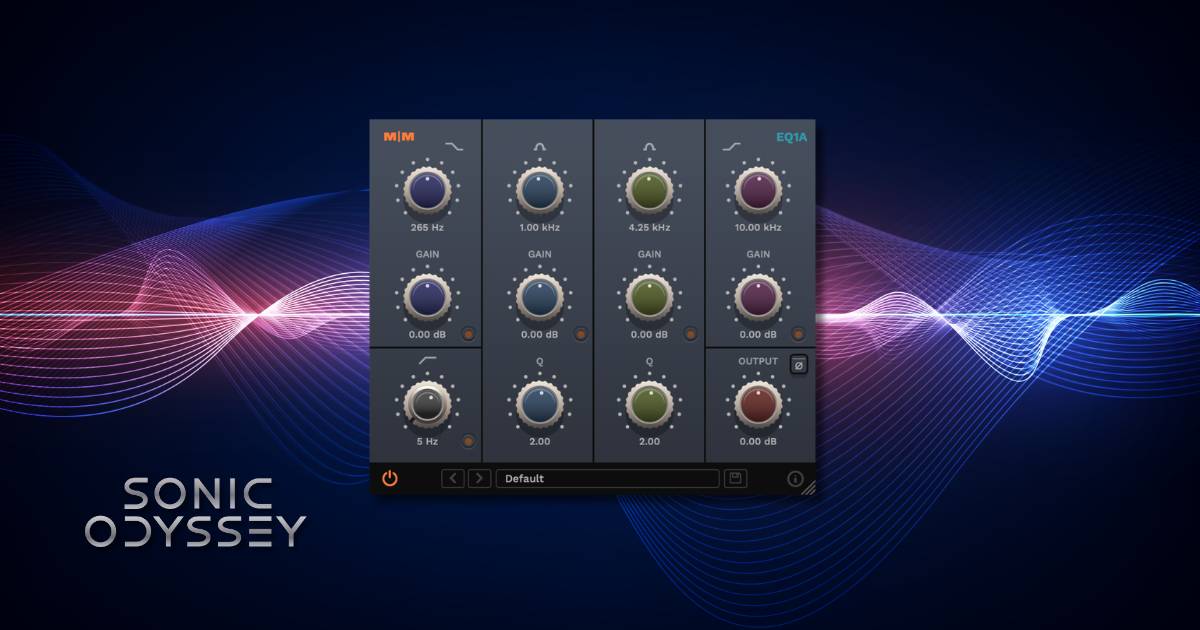
Mellowmuse EQ1A is inspired by classic passive EQ designs. Instead of offering a large number of surgical parametric bands, it focuses on broad, musical tone shaping using a handful of carefully chosen controls.
Plugins modeled after classic analog hardware are popular because they encourage bigger, more musical moves. Rather than cutting or boosting tiny frequencies, EQ1A is designed for shaping the overall weight and presence of a sound. Even small adjustments can make a track feel fuller, warmer, or more polished without sounding obviously processed.
Because of that design philosophy, EQ1A tends to shine on sources where tone matters more than precision. Buses, guitars, bass, and even mix bus work can benefit from the kind of gentle shaping this style of EQ provides.
Key Features
- Classic analog EQ design
- Broad musical curves designed for tone shaping
- Simple control layout for fast workflow
Best For
- Adding low-end weight or top-end sheen
- Tone shaping on buses and instruments
- Engineers who like classic analog-style EQ behavior
Analog Obsession EQ Collection
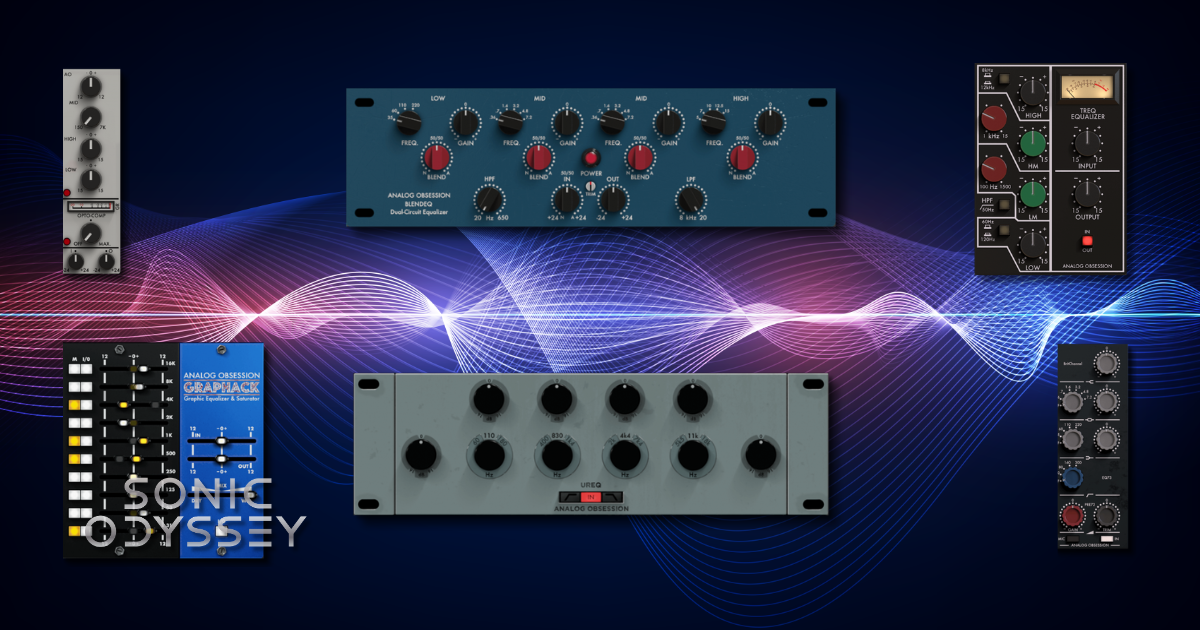
If you like analog-style plugins, Analog Obsession is a developer you should know about. Instead of releasing a single free EQ, they offer an entire collection of analog-inspired processors, several of which focus on classic EQ designs.
The exact lineup changes over time, but the collection typically includes models inspired by well-known hardware units such as API, SSL, Neve, and Pultec-style EQs. These plugins focus less on surgical precision and more on musical tone shaping, often adding subtle harmonic coloration along with the EQ adjustments.
What makes Analog Obsession especially interesting is that many of these plugins feel closer to boutique analog emulations than typical freeware. The interfaces are clean, the sound is warm and characterful, and they’re easy to drop into a mix when you want something with a bit of vibe.
Because the collection includes multiple EQ types, it’s worth exploring a few different models to see which ones fit your workflow best.
Key Features
- Multiple analog-style EQ plugins in one collection
- Models inspired by classic studio hardware
- Musical curves designed for tone shaping
Best For
- Engineers who enjoy analog-style workflow
- Adding color to guitars, drums, and buses
- Exploring different vintage EQ flavors without spending money
ViatorDSP EQ Collection
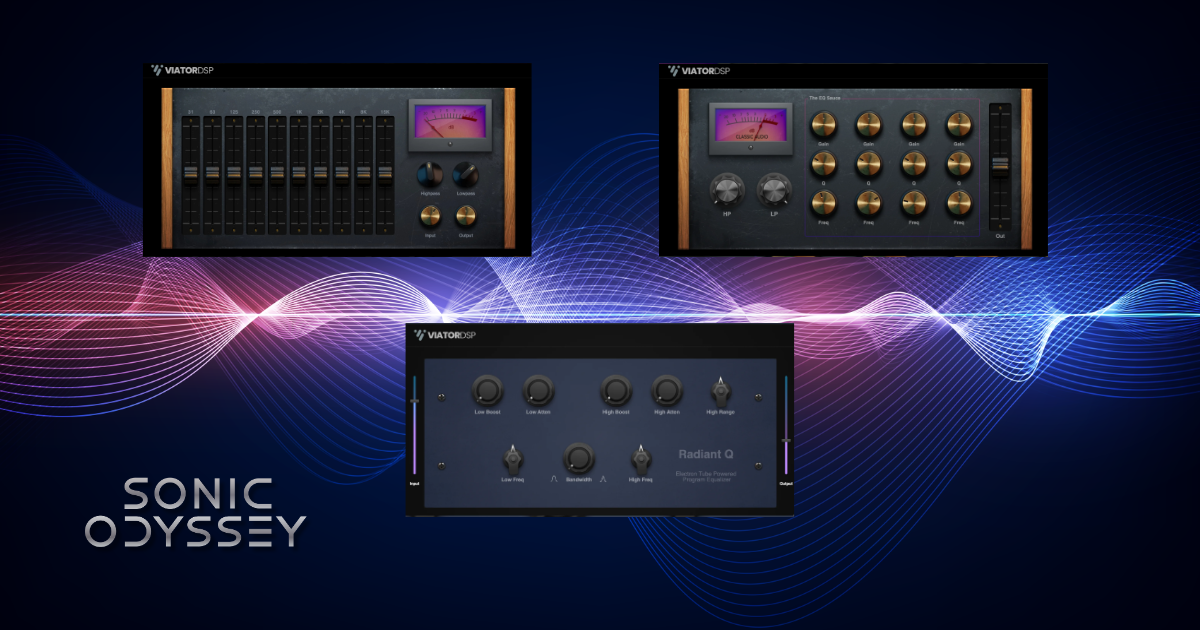
ViatorDSP offers a small but thoughtfully designed collection of free EQ plugins built around analog-inspired tone shaping. Instead of trying to create a single all-purpose EQ, the developer focuses on a handful of distinct tools — each designed with its own workflow and sonic character.
The collection includes Graphic EQ, LV-50A Parametric EQ, and Radiant Q, and each one approaches EQ from a slightly different angle. Graphic EQ provides a traditional slider-based interface that makes quick tonal adjustments fast and intuitive. LV-50A Parametric EQ leans more toward vintage hardware workflows with knob-based controls and musical curves that encourage broader tonal moves rather than surgical corrections.
Radiant Q, meanwhile, is the most character-focused of the group. It’s designed for broad boosts and tone shaping that help sources stand out in a mix without sounding overly clinical. Together, these plugins offer a versatile set of tools that are easy to dial in and surprisingly effective for everyday mixing tasks.
While the interfaces are relatively simple compared to modern surgical EQs, that simplicity is part of their appeal. These plugins encourage the kind of broad tonal adjustments that often work best when shaping instruments and mix buses.
Key Features
- Multiple EQ plugins with different tonal flavors
- Analog-inspired controls and EQ curves
- Simple layouts designed for fast workflow
Best For
- Quick tone shaping on instruments and buses
- Engineers who prefer simple analog-style controls
- Exploring different EQ colors in a mix
Sonimus SonEQ
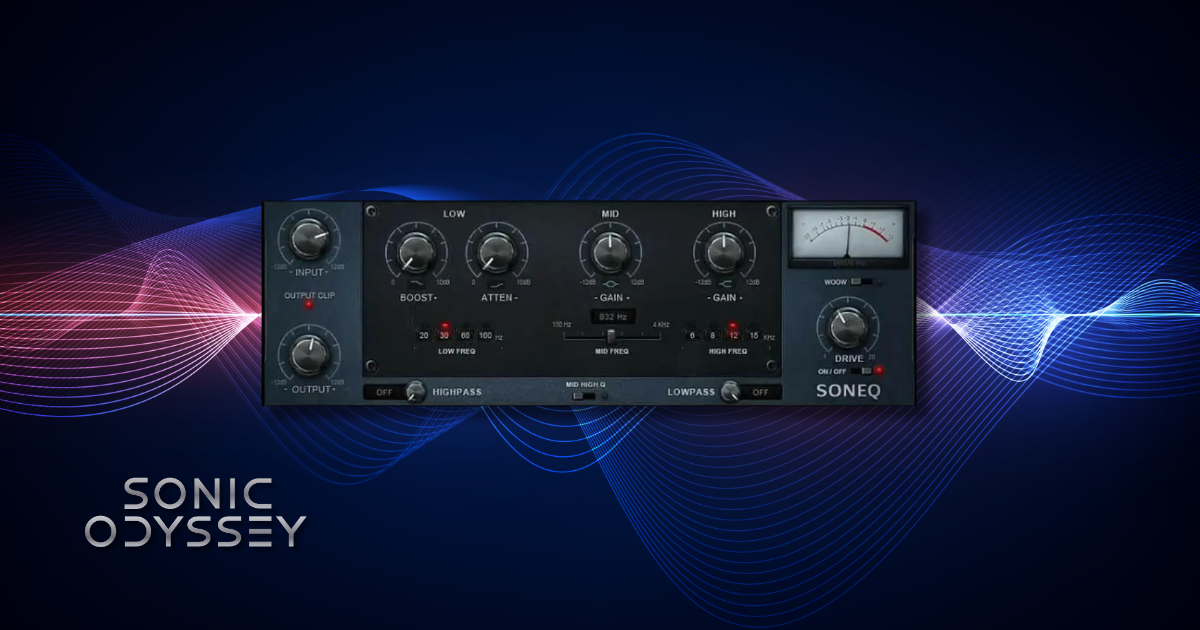
Sonimus SonEQ is a free analog-style EQ plugin inspired by classic vintage hardware. Rather than aiming for ultra-precise parametric control, SonEQ focuses on the kind of broad, musical tone shaping that engineers often associate with vintage console EQs.
The plugin includes controls for low, mid, and high frequency shaping along with a saturation stage that can add subtle harmonic character to the signal. That extra coloration is part of what makes SonEQ appealing. Instead of sounding purely clinical, it can add a little warmth and weight while you shape the tone.
Because of its analog-inspired design, SonEQ works particularly well on instruments that benefit from character. Guitars, bass, keys, and drum buses can all respond nicely to the gentle saturation and musical EQ curves.
Key Features
- Analog-inspired EQ with musical frequency curves
- Built-in saturation stage for added harmonic character
- Simple control layout designed for quick tone shaping
Best For
- Adding warmth and character to instruments
- Gentle tone shaping on buses
- Engineers who prefer vintage-style EQ workflow
Blue Cat Audio Triple EQ
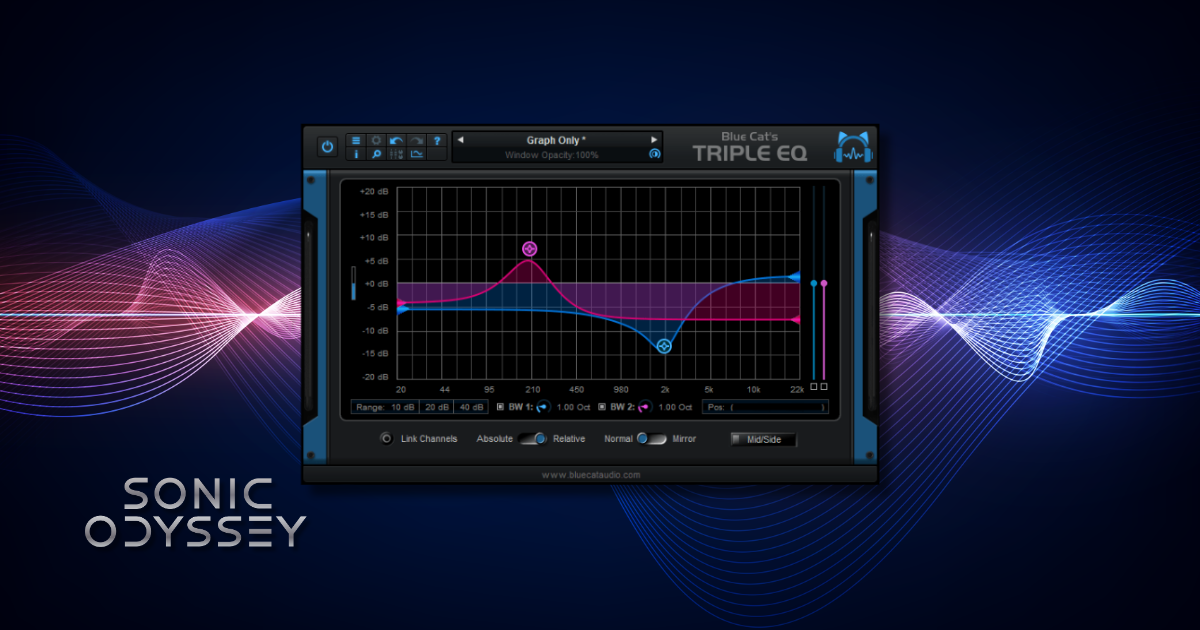
Blue Cat Triple EQ is a deceptively simple plugin that proves you don’t always need a complex parametric EQ to get good results. As the name suggests, it’s a three‑band semi‑parametric EQ designed for quick tonal adjustments rather than deep surgical work.
Each band can be boosted or cut with adjustable frequency controls, and the curves are intentionally broad and musical. That makes Triple EQ especially useful when you want to nudge a sound in the right direction without spending time dialing in extremely precise settings.
One of the biggest advantages of this plugin is how lightweight it is. Triple EQ uses very little CPU, so you can run it across large sessions without worrying about performance. It’s a great option when you need a dependable utility EQ that loads quickly and just works.
Key Features
- Three‑band semi‑parametric EQ design
- Extremely lightweight CPU usage
- Broad musical curves for fast tonal adjustments
Best For
- Quick tone shaping on individual tracks
- Large sessions where CPU efficiency matters
- Producers who want a simple, reliable utility EQ
Choosing the Right Free EQ for Your Workflow
With so many free EQ plugins available, the real question usually isn’t which one is best, but which one fits the task you’re working on. Different EQ designs solve different problems, and understanding those differences can help you choose the right tool much faster during a mix.
Transparent vs Character EQ
Some EQ plugins aim to be as transparent as possible. Tools like TDR Nova or Melda MEqualizer are designed to let you make precise adjustments without noticeably changing the tone of the signal beyond the frequency changes you apply. These are ideal for corrective work like removing muddiness, taming harsh frequencies, or carving space between instruments.
Other EQs intentionally add a bit of character. Plugins like Sonimus SonEQ, Analog Obsession’s EQ models, or DDMF ColourEQ often include analog-inspired curves or subtle saturation that changes the feel of the signal. Instead of purely fixing problems, these EQs are often used to shape tone and add a little personality to instruments or buses.
Neither approach is better than the other. Most engineers end up using both types depending on whether they’re solving a technical problem or shaping the overall vibe of a track.
Modern Parametric vs Classic EQ Designs
Most modern digital EQs are fully parametric, meaning you can control the frequency, gain, and bandwidth (Q) of each band independently. Plugins like TDR Nova, MEqualizer, and DDMF IIEQ fall into this category. They offer a high degree of precision and flexibility, which makes them ideal for detailed corrective work.
Classic hardware-inspired EQs often work differently. Designs inspired by Pultec, SSL, or Neve consoles typically use fixed frequency points or broader curves that are meant for musical shaping rather than surgical adjustments. Even when they technically behave like parametric EQs, the workflow encourages larger tonal moves instead of microscopic tweaks.
Another common design is the graphic EQ, where a set of fixed frequency bands are arranged in a row and each band is boosted or cut using sliders. Graphic EQs are less common in modern mixing plugins but still appear in certain workflows, especially in live sound and tone shaping tasks.
Understanding these differences helps explain why a mix engineer might reach for a highly flexible parametric EQ in one situation and a simpler analog-style EQ in another.
Dynamic EQ vs Static EQ
Traditional EQ is static, meaning the boost or cut you apply stays the same regardless of how loud the signal becomes.
A dynamic EQ behaves more like a hybrid between an EQ and a compressor. Instead of applying the same adjustment all the time, the EQ band can react to the signal level and only engage when certain frequencies become too strong.
For example, you might use a dynamic EQ band to reduce harsh vocal frequencies only when the singer hits louder notes. This keeps the track sounding natural while still controlling problem frequencies.
You can sometimes achieve similar results with a compressor and sidechain filtering, but dynamic EQ often provides more precise control because it targets a specific frequency band directly rather than compressing the entire signal.
Plugins like TDR Nova are excellent examples of how powerful this approach can be, especially for tasks like resonance control, vocal harshness, and tightening low-end energy in a mix.
Free EQ Plugins vs Paid EQ Plugins
Free EQ plugins have improved dramatically over the past decade. Tools like TDR Nova, MEqualizer, and several of the analog-inspired plugins in this guide are capable of producing results that easily hold up in professional mixes. For many producers, a handful of well-chosen free EQs can cover the majority of day-to-day mixing tasks.
That said, paid EQ plugins still offer advantages in some areas. Premium tools often include deeper feature sets, more advanced visual analysis, additional filter types, and specialized workflows designed for mastering or surgical mixing tasks. Some also provide extremely polished interfaces and carefully modeled analog circuits that go further in replicating specific hardware units.
But here’s the reality of the modern plugin market: you almost never have to pay full price. Plugin developers run sales constantly, and entire plugin ecosystems revolve around discounts, bundles, and limited-time deals. If you’re patient, it’s often possible to pick up high-end EQ plugins at a fraction of their normal price.
Because of that, many producers end up using a combination of both approaches. Free plugins handle a huge amount of everyday mixing work, while a few carefully chosen paid tools fill in the gaps when you want something more specialized or feature-rich.
The most important takeaway is that great mixes aren’t limited by whether a plugin is free or paid. What matters far more is understanding how to use EQ effectively and choosing tools that fit your workflow.
Recommended Reading
EQ is only one piece of the puzzle when it comes to building great mixes. If you're trying to sharpen your production and mixing skills, these guides dive deeper into some of the most important tools and techniques you'll use in real sessions.
These articles cover everything from essential plugins to microphone choices and spatial effects that help your mixes sound bigger, clearer, and more professional.
 Zachary Darrel Randall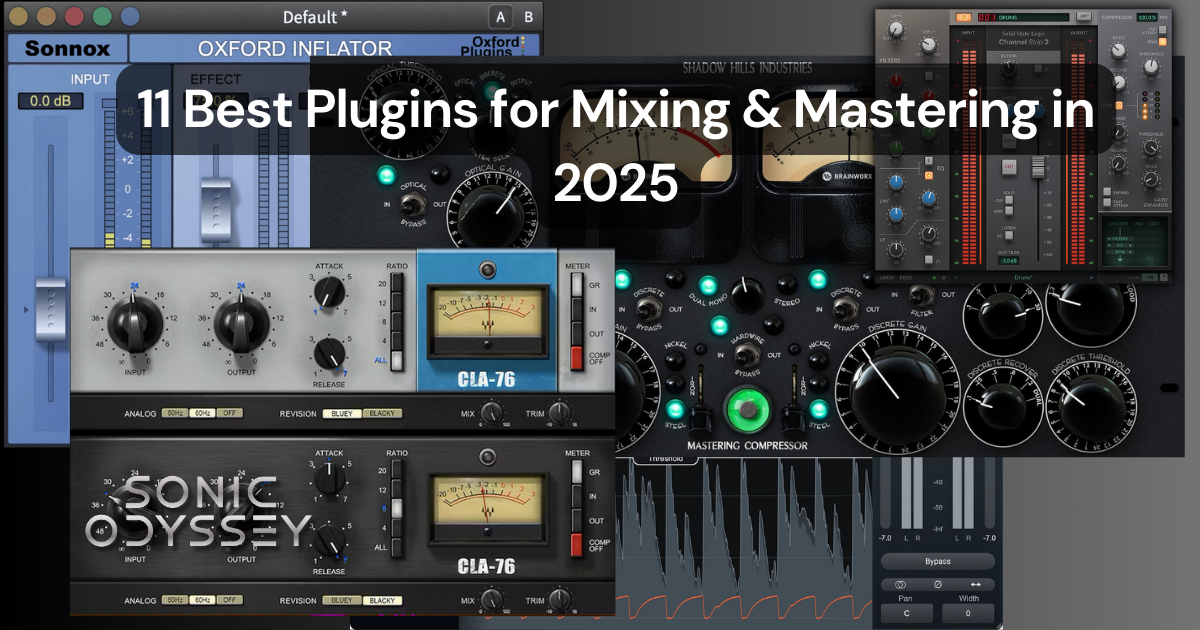
A curated guide to some of the most useful plugins for modern music production, including EQ, compression, reverb, and limiting tools that can elevate your mixes.
 Zachary Darrel Randall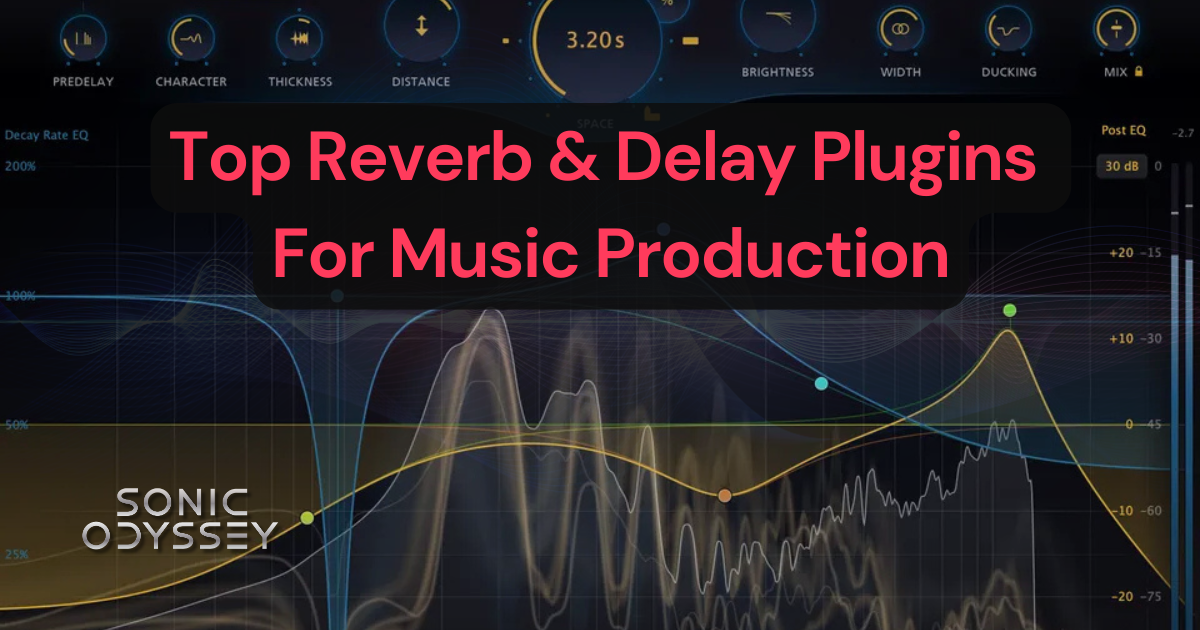
A deep dive into some of the best reverb and delay plugins available today, with recommendations for creating space, depth, and atmosphere in your mixes.
 Zachary Darrel Randall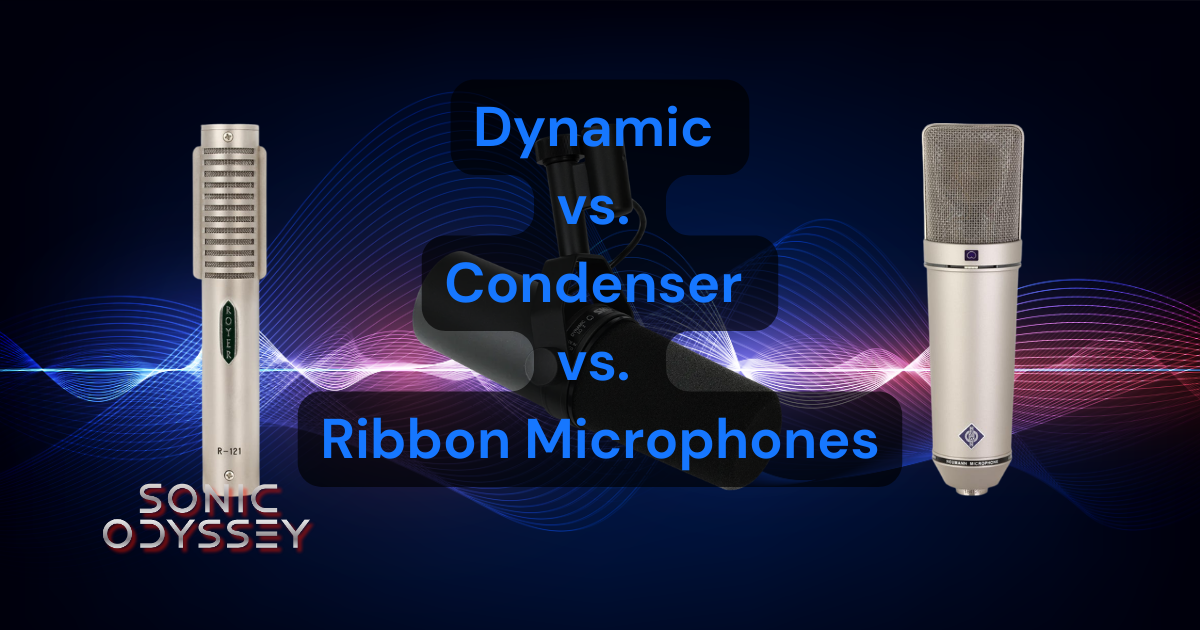
Understanding the strengths and differences between dynamic, condenser, and ribbon microphones can dramatically improve your recordings before you even start mixing.
Conclusion
Great EQ tools are more accessible than ever. As this list shows, there are plenty of free EQ plugins capable of handling everything from surgical corrective work to musical tone shaping and analog-style coloration.
For many producers, a handful of well-chosen free plugins can easily cover the majority of everyday mixing tasks. And if you eventually decide to expand into paid tools, the modern plugin market makes it easy to build a powerful collection without spending a fortune.
The most important thing isn’t whether an EQ is free or paid. What matters is learning how different EQ styles work and developing the ear to use them effectively. With the tools in this guide, you already have everything you need to start shaping better mixes.


